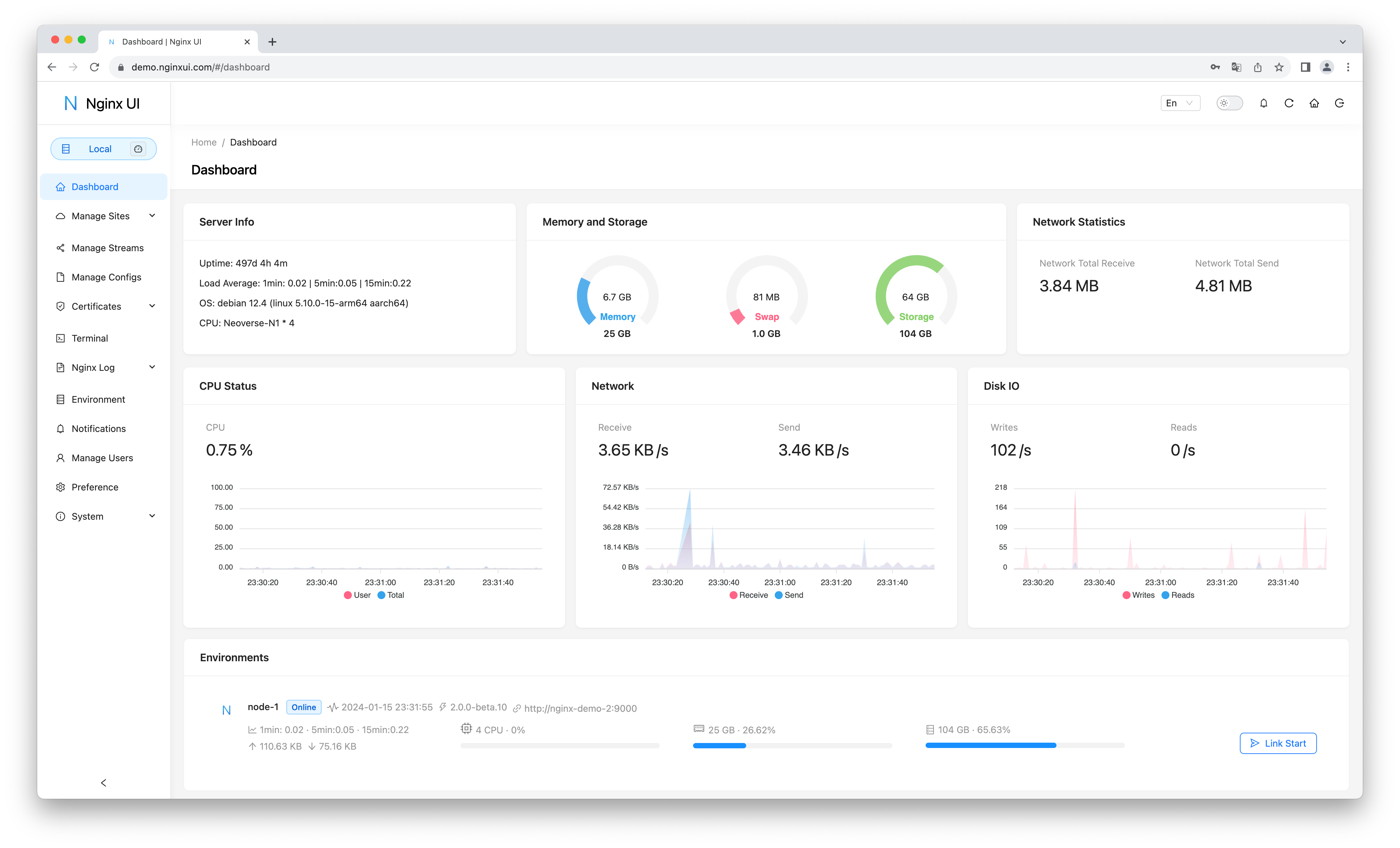
The agent harness performance optimization system. Skills, instincts, memory, security, and research-first development for Claude Code, Codex, Opencode, Cursor and beyond.
If you find this project helpful, please consider sponsoring us to support ongoing development and maintenance.
Official Community Group
Join the official Nginx UI WeChat community group to discuss usage, deployment ideas, and troubleshooting with other community members.
Scan the QR code below to add us on WeChat, and include Nginx UI Community Group in your request. The administrator will invite you to the official community group.
Your support helps us:
🚀 Accelerate the development of new features
🐛 Fix bugs and improve stability
📚 Enhance documentation and tutorials
🌐 Provide better community support
💻 Maintain infrastructure and demo servers
Tooling Support
Thanks to JetBrains for supporting us with free open source licenses.
If you are using the installation script for Linux, the Nginx UI will be installed as nginx-ui service in systemd. Please use the systemctl command to control it.
Start Nginx UI
systemctl start nginx-ui
Stop Nginx UI
systemctl stop nginx-ui
Restart Nginx UI
systemctl restart nginx-ui
With Docker
Our docker image uozi/nginx-ui:latest is based on the latest nginx image and
can be used to replace the Nginx on the host. By publishing the container's port 80 and 443 to the host,
you can easily make the switch.
Note
When using this container for the first time, ensure that the volume mapped to /etc/nginx is empty.
If you want to host static files, you can map directories to container.
If you are upgrading from an older image, see the Docker WebSocket fix guide for required conf.d/nginx-ui.conf updates.
When your docker container is running, Log in to nginx-ui panel with http://<your_server_ip>:8080/install.
If you change the port mapping, access Nginx UI through the host port mapped to container port 80 instead.
When your docker container is running, Log in to nginx-ui panel with http://<your_server_ip>:8080/install.
If you change the port mapping, access Nginx UI through the host port mapped to container port 80 instead.